OFD to Long Image Tool
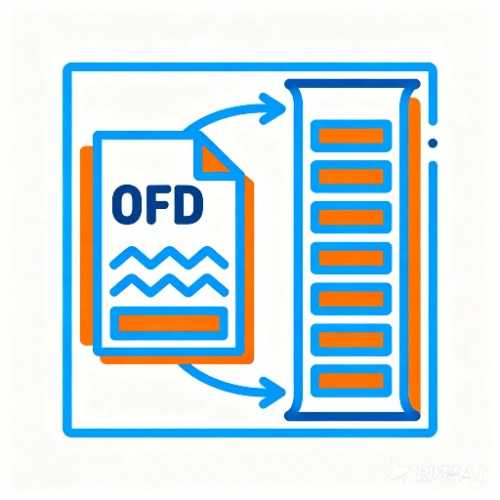
Seamlessly stitch multi-page OFD documents into one high-resolution long image, with support for vertical or horizontal stitching and customizable spacing and background.
Browser execution mode: Your data is processed in your browser and is not uploaded to the server.
Speed and Stability: Processing speed depends on your device and browser. For large batch work, the desktop version may be more stable.
Loading tool, please wait...
If the online tool fails to load or run, try the desktop tool.https://tools.yikeaigc.com/
Tool Usage
Return to old versionSupports single or batch OFD files. For batches, only the first 20 files are shown for review, but all selected files will be processed.
Select OFD
You can select multiple OFD files at once. Try defaults on one file first, then adjust scale, spacing, and format for reading or archiving.
Conversion settings
Confirm output format, stitch direction, and render scale before generating. For many pages, lower the scale or set a page range.
Generate download
After generating, a single file can be downloaded directly as an image; multiple files keep their original names and are packed as a ZIP.
Instructions
Software Usage Instructions
- Select OFD files: Click the “Select OFD” area and choose the OFD files you want to convert. You can select a single file or select multiple OFD files at once for batch processing.
- Check files and preview: After selecting files, the first 20 file names and sizes will be shown on the right; the preview area will load page thumbnails from the first OFD file to help you confirm the document content.
- Set conversion parameters:
- Output format: Supports PNG, JPG, and WebP. Choose based on image clarity and file size.
- Render scale: The higher the scale, the clearer the image, but processing time and memory usage will also increase.
- Stitching direction: Supports vertical and horizontal stitching. Vertical is suitable for reading, while horizontal is suitable for landscape display.
- Page spacing and margins: Set the spacing between pages and the blank margins around the long image.
- Background and border: Set the page background, spacing background, page border color, border thickness, and page shadow.
- Page range: Process all pages or enter custom page numbers, such as 1,3,5-8.
- Save common settings: After adjusting parameters, click “Save Settings” to keep the current configuration for the next time you open the tool.
- Generate long image: Go to the “Generate Download” step and click “Generate Long Image”. The tool will render the pages according to the current parameters and complete the stitching.
- Download results: After a single file is processed, you can download the image directly; after multiple files are processed, the original file names will be preserved and packaged as a ZIP for download. If result file names are duplicated, numbers will be automatically appended to distinguish them.
FAQ
Related Tools
Number to Chinese Uppercase Converter
Bidirectional conversion between numbers and Chinese uppe...
Hexadecimal to Binary Converter
Convert hexadecimal numbers to binary code, with support ...