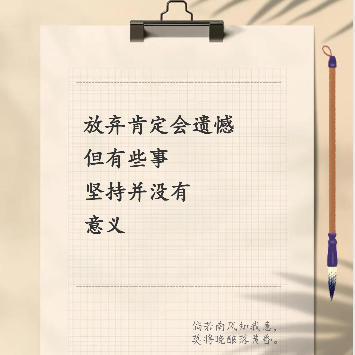
Xiaohongshu Paperclip Copywriting-Style Cover Maker
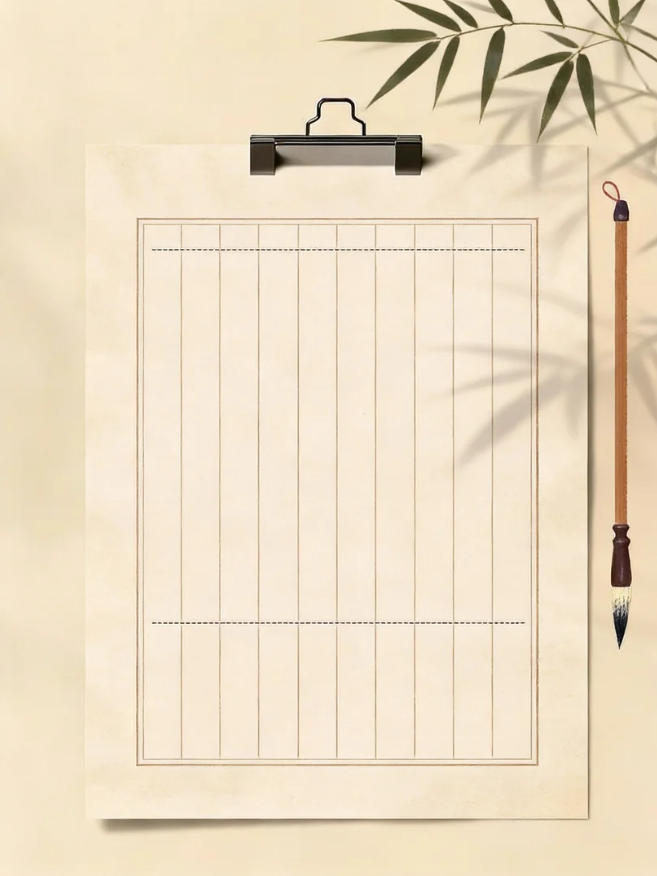
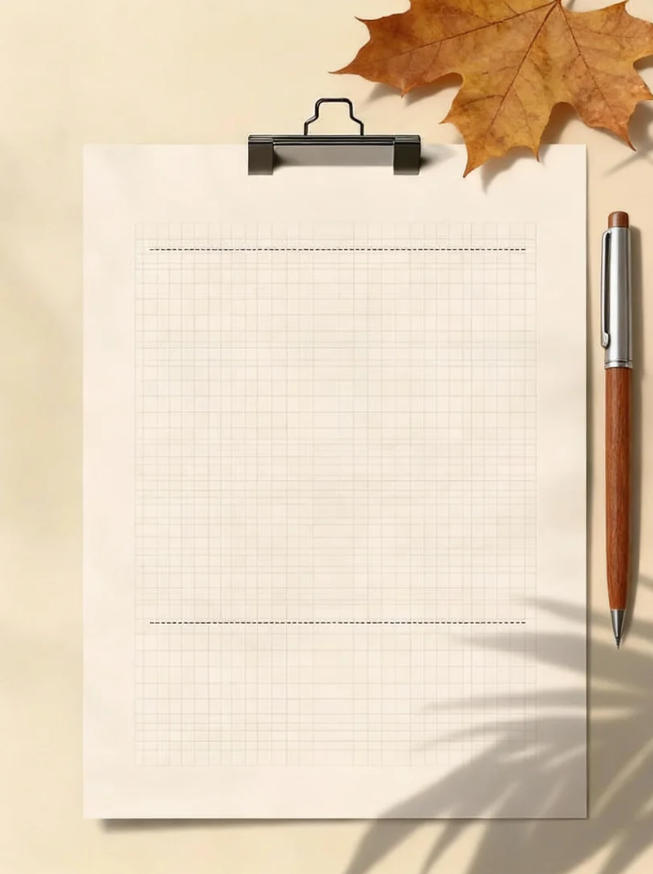
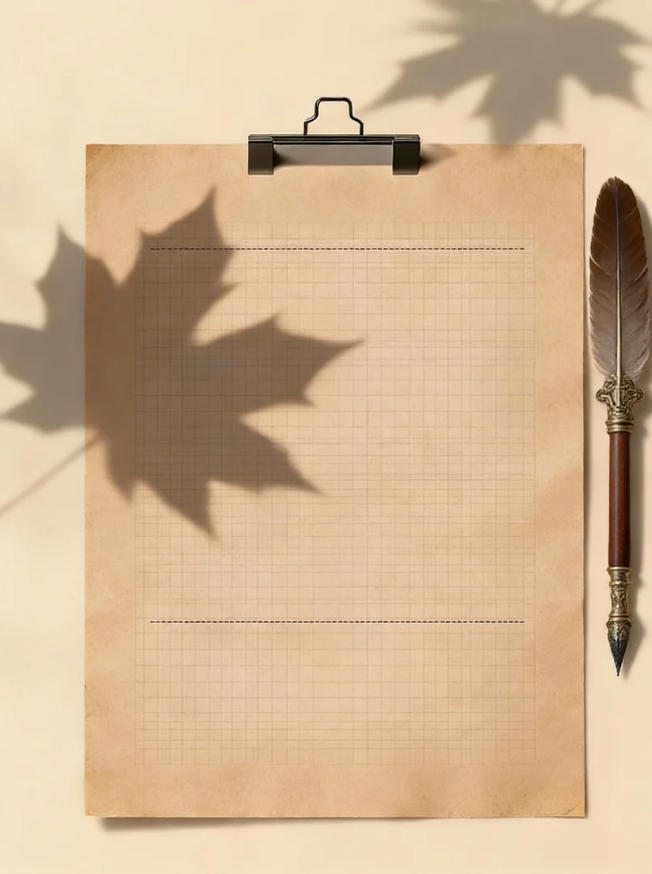
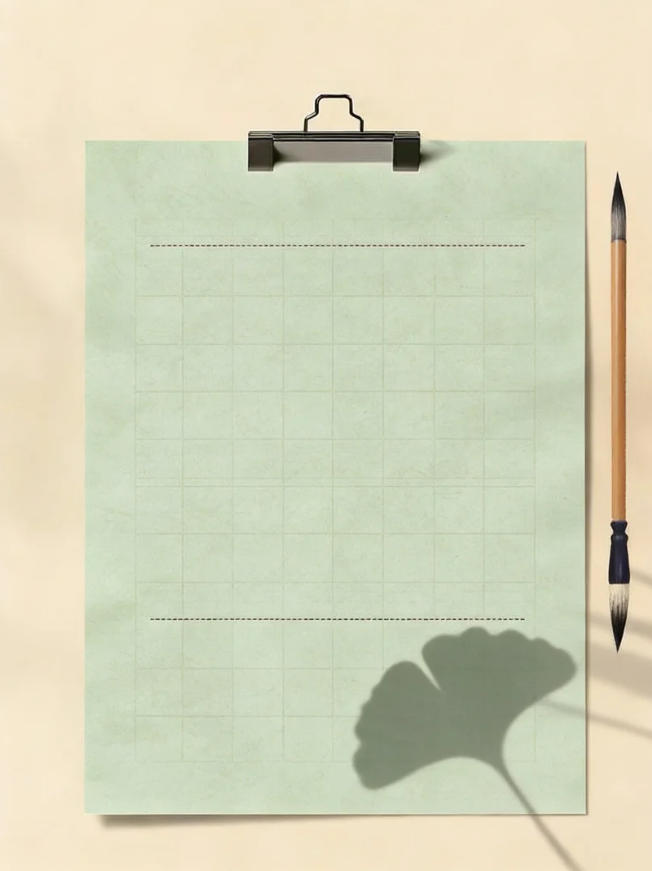
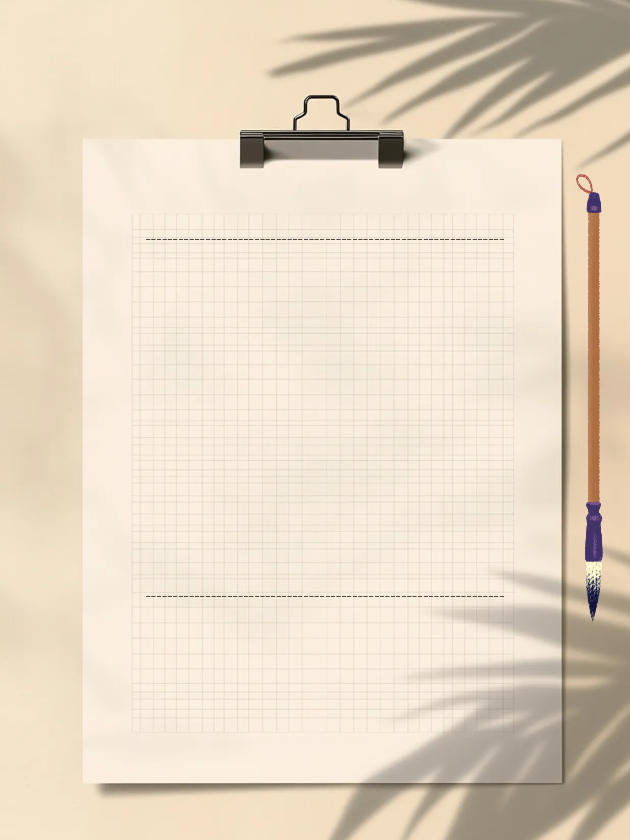
Artistic vintage sticky note-style cover, with a beige background paired with grid paper, metal clips, and brush decorations, suitable for sharing healing quotes.
Browser execution mode: Your data is processed in your browser and is not uploaded to the server.
Speed and Stability: Processing speed depends on your device and browser. For large batch work, the desktop version may be more stable.
Loading tool, please wait...
If the online tool fails to load or run, try the desktop tool.https://tools.yikeaigc.com/
Tool Usage
Return to old version
Enter text, then click "Generate Covers"
Instructions
Software Usage Instructions
- Select canvas size: Choose Douyin 9:16, Xiaohongshu 3:4, or square size, or customize the width and height in pixels.
- Set background style:
- Default style: Beige gradient background; you can adjust the main color and shadow color, and enable decorative plant leaf shadows
- Solid color background: Choose any color as the background
- Custom image: Upload an image as the background, automatically stretched to the canvas size
- Adjust note paper: Set the paper color, grid color, grid size, paper corner radius, and aspect ratio, and choose whether to show the grid and top dashed line.
- Set clip: Adjust the clip color and size, and choose whether to show the clip.
- Edit main title: Click "Add Line" to add text lines. Each line can have its own text content, font size, and color.
- Edit subtitle/signature: Set the subtitle text in the lower-right corner, and adjust the font size, color, and position.
- Select font: Choose fonts such as handwriting, Songti, Heiti, or Kaiti separately for the main title and subtitle, with support for uploading custom font files.
- Add decorative elements: Choose decorations such as a brush, fountain pen, pencil, flowers, or leaves, and adjust their size and position offset.
- Quick examples: Click buttons such as "Artistic Healing" or "Inspirational Quotes" to quickly load preset styles.
- Download cover: Select the export format (PNG/JPEG/WebP) and quality, then click "Download Cover Image" to save it.
- Batch creation: Switch to the "Batch Creation" tab, enter multiple lines of text, use | to separate main title lines, use || to separate the main title and subtitle, then click generate to download them as a ZIP package.
FAQ
Related Tools
Batch Lossless Image Compression Tool
Batch reduce the file size of images in formats such as J...
CSS Animated Gradient Background Generator
Create animated gradient backgrounds online, with support...
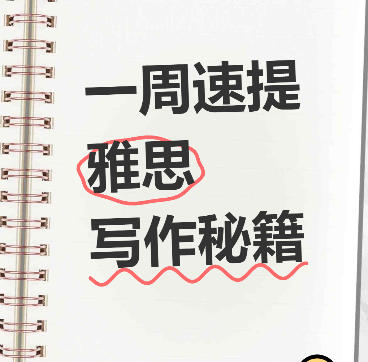
Xiaohongshu Spiral Notebook-Style Cover Maker
Notebook spiral journal-style cover, supports hand-drawn ...
Batch Image Watermark Remover Tool
Based on the LaMa deep learning model, intelligently remo...
Image Resolution Adjustment and Compression Tool
Batch modify image resolution and compress image size, su...