
AI Article Rewriting and Originality Tool
Pass plagiarism detection! Pass AI article detection! Supports single and batch processing!
Loading tool, please wait...
Loading tool, please wait...
If the online tool fails to load or run, try the desktop tool.https://tools.yikeaigc.com/
Tool Usage
Return to old version
Loading...
Rewriting, please wait...
Supports multiple TXT files. The first line is the title; the rest is the body.
Selected file:
Progress:
0%
Result Preview
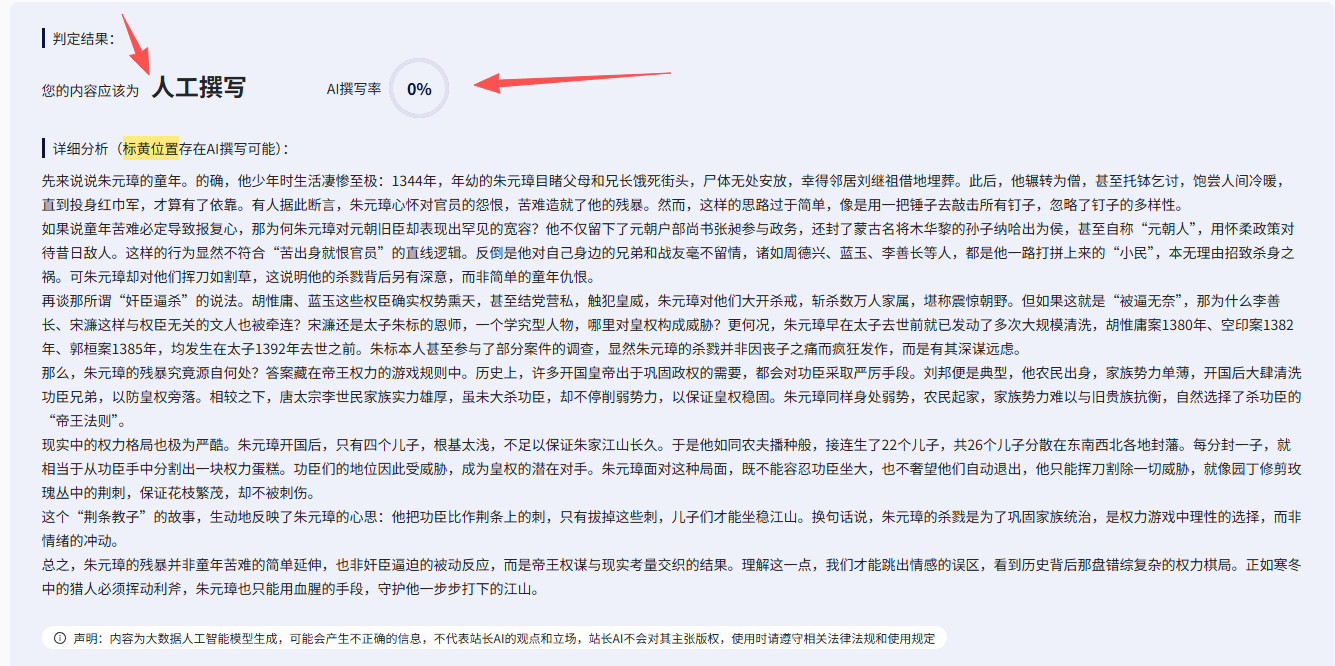
Drag the center line
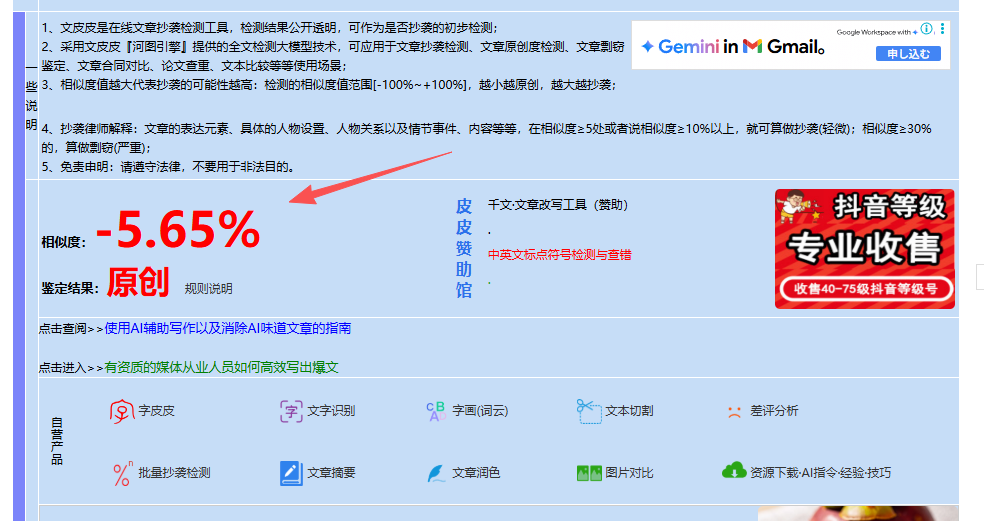
Slide left or right
Instructions
Software Usage Instructions
Single Article Processing Mode
- Configure API parameters: Enter the API address, key, and model name
- Enter the original text: Fill in the article title and body content in the input box on the left
- Start processing: Click the "Start Rewriting" button, and the system will automatically perform two-step processing
- Get results: View the generated new article on the right, then copy or download it
Batch Processing Mode
- Configure parameters: Set the API information and concurrency count (1-20)
- Upload files: Select multiple TXT files. The first line of each file is the title, and the rest is the body text
- Batch processing: Click "Start Batch Processing", and the system will process all files concurrently
- Download results: After processing is complete, download the compressed package containing all rewritten articles
FAQ
The tool supports all models compatible with the OpenAI API format, including GPT-3.5, GPT-4, and more. You can enter a specific model identifier in the model name field, such as "gpt-3.5-turbo", "gpt-4", etc.
The tool uses a two-step processing workflow: first, the AI analyzes the original text and summarizes its outline structure, then recreates the content based on the outline. This approach preserves the logical framework of the original while generating entirely new expressions and content details.
The concurrency count determines the number of files processed at the same time. It is recommended to set it based on your API quota and network conditions: when your API quota is sufficient, you can set a higher concurrency count (10-20); when the quota is limited, it is recommended to set a lower concurrency count (1-5) to avoid exceeding the limit.
Batch processing only supports TXT files. File content format requirements: the first line is the article title, and the body content starts from the second line. Please ensure the file uses UTF-8 encoding to avoid garbled Chinese characters.
Common causes of failure include: incorrect API key, network connection issues, insufficient API quota, overly long article content, etc. Please check whether the API configuration is correct, ensure the network connection is stable, and shorten the article length as needed. If the problem persists, we recommend reducing the concurrency and trying again.
All article processing is performed locally on your device, and files are not uploaded to the server. API calls connect directly to the AI service you configured, without passing through any third-party servers. Your API key and article content are fully protected.
Related Tools

AI Video Quality Assessment Classification Tool
Uses a large model to score AI-generated videos across si...



Black and White Photo Colorization Tool
Smart AI black-and-white photo colorization tool, support...


.png)
AI Image Generator (Image-to-Image)
AI-powered intelligent image editing tool supporting sing...

Word Format-Preserving Translation Tool
Supports DOCX document translation while preserving forma...

AI Image Generation Tool (Bulk Supported)
An AI-powered batch image generation and editing tool sup...