Black and White Photo Colorization Tool
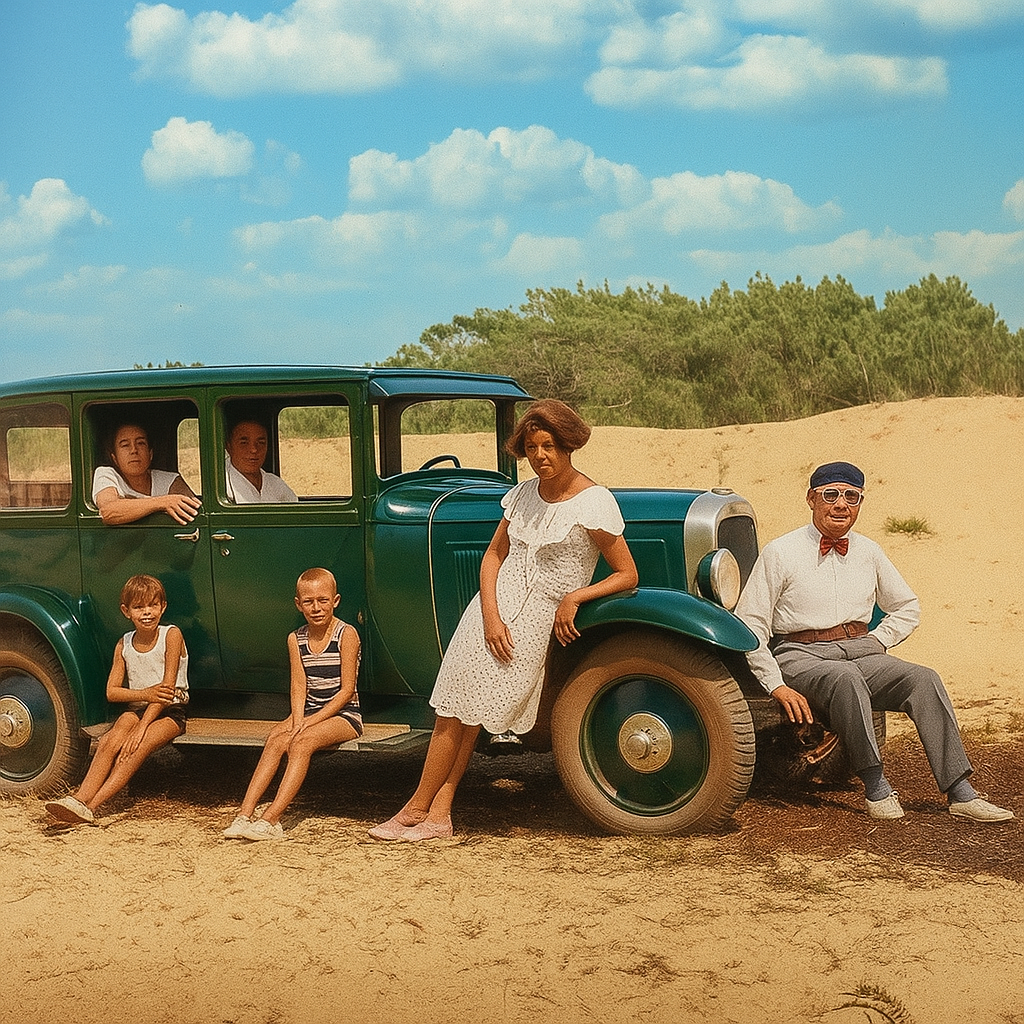
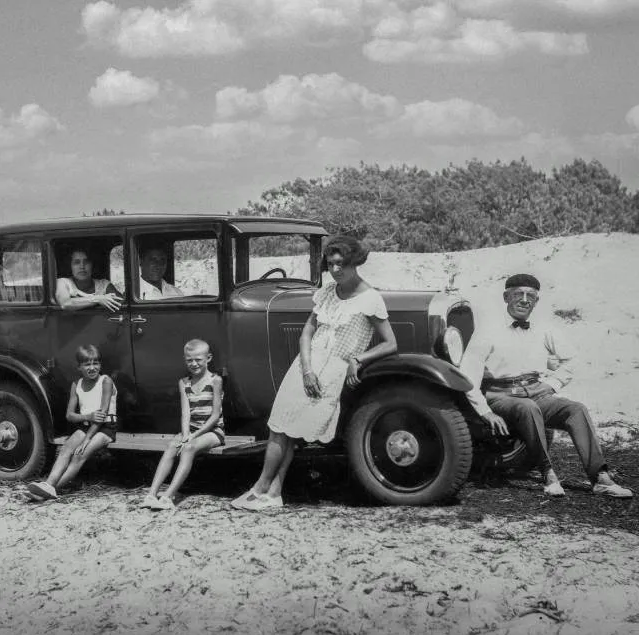
Smart AI black-and-white photo colorization tool, supports multiple colorization styles, batch processing, and preserves the original image size and details.
Loading tool, please wait...
If the online tool fails to load or run, try the desktop tool.https://tools.yikeaigc.com/
Tool Usage
Return to old versionColorization Settings
Supports JPG, PNG, GIF, WebP, and more
Colorized Result
Preparing...
Original B&W Image
Colorized Result
Please choose a B&W image file and set colorization options
Batch Colorization Settings
Number of images processed at once; 3 or fewer recommended
Select multiple B&W image files
Batch Colorizing Results
Preparing...
Selected file:
Colorized Preview (First 20)
Please choose a B&W image file and set colorization options
Result Preview
Drag the center line
Slide left or right
Instructions
Software Usage Instructions
- Select a processing mode: At the top of the page, choose the "Single Image Colorization" or "Batch Colorization" tab, and select the appropriate mode based on the number of images you need to process.
- Configure the AI model:
- API URL: Enter the API endpoint URL for the AI service
- API key: Enter a valid API access key
- Model name: Specify the name of the AI model to use
- Select a colorization style:
- Natural and realistic: Authentic tones appropriate to the historical period
- Vintage style: Warm, nostalgic tonal effects
- Vivid and bright: Lively colors with high saturation
- Nostalgic sepia: Classic brown and gold tones
- Cinematic look: Professional color grading effects
- Artistic style: Creative color combinations
- Custom style: Enter a personalized colorization description
- Adjust processing parameters:
- Color intensity: Choose a subtle, moderate, rich, or dramatic effect
- Output quality: Choose HD or standard quality
- Output format: Supports PNG, JPEG, and WebP formats
- Keep original image size: Ensure the output image matches the original dimensions
- Enhance details: Improve image clarity and detail rendering
- Select image files: In single image mode, choose one black-and-white photo. In batch mode, you can select multiple image files at the same time.
- Start colorization: Click the "Start Colorization" or "Start Batch Colorization" button, and the system will process the images automatically.
- View and download results: After processing is complete, you can preview the colorized result. A single image can be downloaded directly, while batch results can be downloaded as a ZIP archive.
FAQ
A: Common image formats such as JPG, JPEG, PNG, GIF, and WebP are supported. We recommend using high-resolution black-and-white photos for better colorization results, with a recommended resolution of at least 512x512 pixels.
A: Natural and Realistic is suitable for restoring historical photos; Vintage Style creates a nostalgic atmosphere; Vivid and Bright is suitable for images with a strong modern feel; Nostalgic Sepia presents a classic old-photo effect; Cinematic Look is suitable for artistic creation; Artistic Style provides creative color effects.
A: It is recommended to set concurrency to 2-3. Too high a concurrency may cause API limits or device performance issues. When processing large numbers of images, a moderate concurrency ensures processing efficiency while avoiding excessive system load.
A: AI models usually process images at a fixed size. Enabling the "Preserve original image size" option ensures that the output image has exactly the same dimensions as the original, preventing the image from being stretched or compressed. This is especially suitable for use cases that require precise dimensions.
A: Processing failures may be caused by incorrect API configuration, network issues, or unsupported image formats. Please check whether the API address and key are correct, ensure the network connection is stable, and try using a standard image format. The system will automatically retry failed requests.
A: We recommend using high-resolution black-and-white photos with good contrast; choosing an appropriate colorization style; enabling the "Enhance Details" option; and, for special needs, using a custom style and describing the desired color effect in detail.
A: In theory, there is no limit, but we recommend processing no more than 50 images at a time to ensure stability. For large numbers of images, processing them in batches is recommended. The interface will show previews of the first 20 processed results, and all successfully processed images will be included in the downloaded ZIP file.
Related Tools
AI Article Rewriting and Originality Tool
Pass plagiarism detection! Pass AI article detection! Sup...
AI Image Generation Tool (Bulk Supported)
An AI-powered batch image generation and editing tool sup...
Word Format-Preserving Translation Tool
Supports DOCX document translation while preserving forma...
AI Video Generation Tool (Batch Supported)
sor2 model, supports text-to-video and image-to-video, ca...
AI Image Generator (Image-to-Image)
AI-powered intelligent image editing tool supporting sing...