Multilingual Translation Tool
Translate an article into multiple languages at once, with support for batch translation and long texts.
Loading tool, please wait...
If the online tool fails to load or run, try the desktop tool.https://tools.yikeaigc.com/
Tool Usage
Return to old versionSeparate multiple custom languages with |
Text will be split by complete paragraphs, max 4000 characters each
Preparing...
Translation Complete
All language translations complete!
Separate multiple custom languages with |
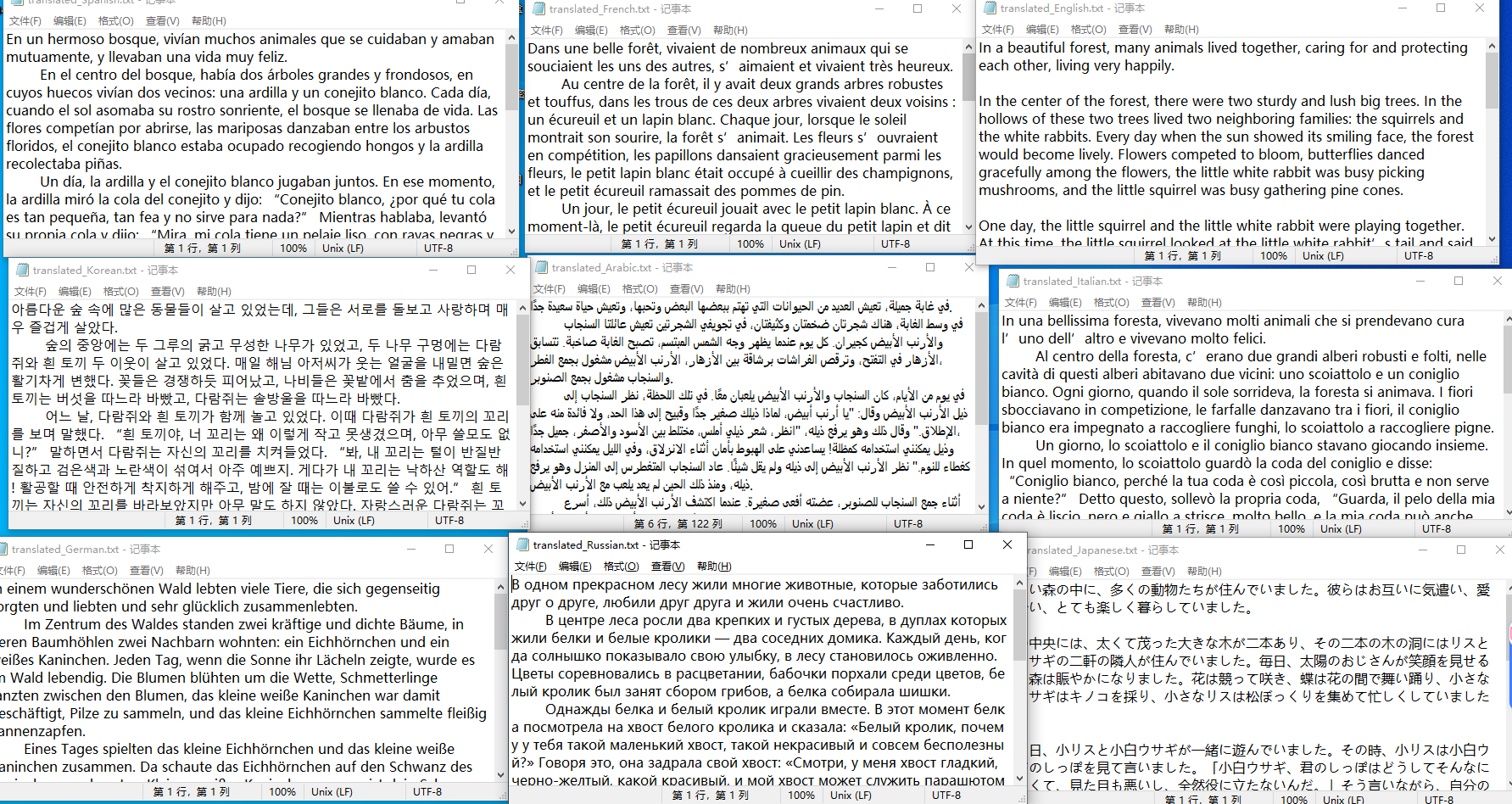
Supports batch selection of multiple TXT files. Each file will be translated into all selected languages.
Selected file:
Preparing...
Translation Complete
All files translated!
Result Preview
Drag the center line
Slide left or right
Instructions
Software Usage Instructions
- Configure API Information: Enter the API domain, API key, and model name in the corresponding tab. The API domain defaults to the official OpenAI address and supports custom compatible endpoints.
- Select Target Languages:
- Preset Languages: You can select multiple languages: English, Spanish, French, German, Japanese, Korean, Russian, Arabic, Portuguese, Italian
- Custom Languages: After checking the custom option, enter the language names in the input box, separating multiple languages with |
- Set Concurrency: Select a concurrency value from 1 to 20. A higher value increases translation speed but also increases the API call frequency.
- Single Text Translation Mode:
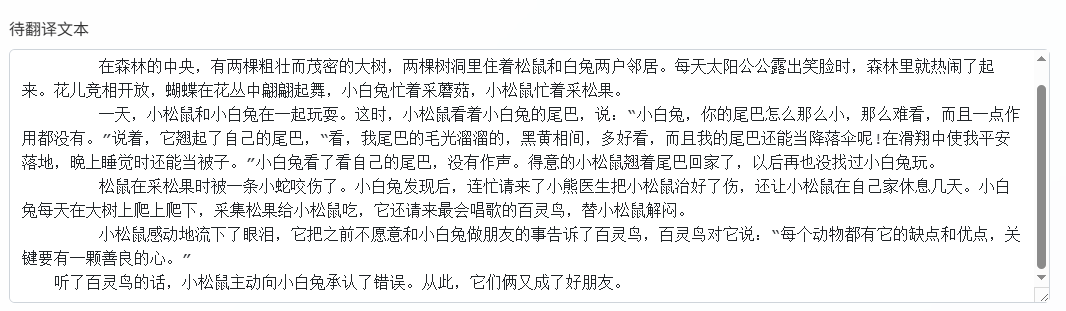
- Enter or paste the content to be translated in the text box
- The system will automatically split the text by paragraph integrity, with each segment not exceeding 4000 characters
- Click the "Start Translation" button to begin processing
- Batch File Translation Mode:
- Click "Select TXT Files" to upload one or more text files
- The system will display the first 20 files, and the remaining files will be processed in the background
- Click "Start Batch Translation" to process
- View Results: After translation is complete, you can view the progress in real time and click "Download All Results (ZIP)" to get the translation files for all language versions.
FAQ
A: The official OpenAI API and all providers compatible with the OpenAI API format are supported, such as Azure OpenAI and major AI platforms in China. Simply modify the API domain to use endpoints from different providers.
A: The system splits text based on paragraph integrity, with a maximum of 4000 characters per segment. It prioritizes keeping paragraphs intact. If a single paragraph exceeds the limit, it will be split again by sentence to ensure translation coherence and accuracy.
A: The number of concurrent tasks affects translation speed and API call frequency. Recommended: free users choose 1-3; paid users can choose 5-10; enterprise users can choose 10-20. Excessive concurrency may trigger API rate limits.
A: No. All file processing is completed locally. Text content and translation results will not be uploaded to the server; only translation requests will be sent to the API provider you configured, ensuring data security and privacy protection.
A: The system uses professional translation prompts, preserves the original format and structure, and uses a lower temperature parameter to ensure translation stability. We recommend using high-quality models such as GPT-4 for better translation results.
A: The system will display the translation status for each file and language. If some translations fail, the successful parts can still be downloaded normally. We recommend checking the API configuration and network connection, or reducing the number of concurrent tasks before trying again.
A: Currently, only plain text files in TXT format are supported. We recommend using UTF-8 encoding to ensure that Chinese and other special characters display correctly. Each file should be no larger than 10 MB to ensure processing efficiency.
Related Tools
AI Image Generator (Text to Image)
An intelligent image generation tool that supports single...
AI Video Quality Assessment Classification Tool
Uses a large model to score AI-generated videos across si...
SRT/VTT Subtitle Translation Tool
Supports translation of SRT and VTT subtitle files while ...
Bilingual Subtitle Translation Tool
Smart subtitle translation tool supporting SRT and VTT fo...
AI Image Generation Tool (Bulk Supported)
An AI-powered batch image generation and editing tool sup...
AutoGLM Mobile AI Assistant for PC
A mobile automation tool based on Zhipu AI that controls ...
AI Image Generator (Image-to-Image)
AI-powered intelligent image editing tool supporting sing...