Batch Video Cover Maker
Batch generate video cover images, with support for custom backgrounds, multiple lines of text, font outlines, and visual drag-and-drop positioning
Browser execution mode: Your data is processed in your browser and is not uploaded to the server.
Speed and Stability: Processing speed depends on your device and browser. For large batch work, the desktop version may be more stable.
Loading tool, please wait...
If the online tool fails to load or run, try the desktop tool.https://tools.yikeaigc.com/
Tool Usage
Return to old versionBatch Video Cover Maker(Software Version)
Professional batch video cover generator with custom backgrounds, multi-line text, font outlines, visual drag positioning, and one-click high-quality cover export.
Instructions
Software Usage Instructions
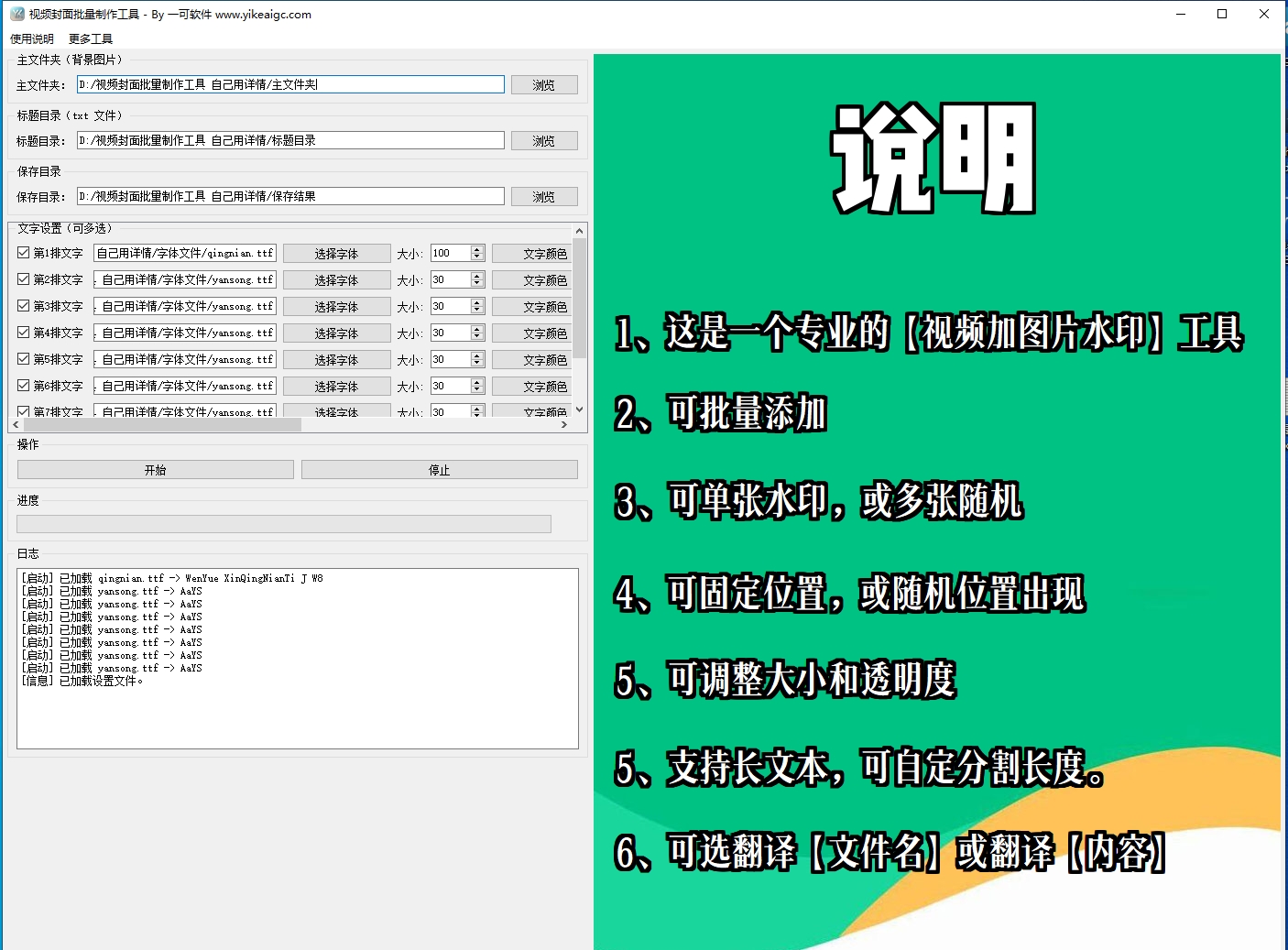
- Select background image folder: Click the "Browse" button to select the folder containing background images. Images in jpg, jpeg, png, bmp, and webp formats are supported.
- Select product image folder (optional):
- To add a product image to the bottom of the cover, check the "Enable product image" option
- Select the product image folder. Product image file names must correspond to the title txt file names
- Select title directory: Select a folder containing multiple txt files. The program will generate a corresponding cover image for each txt file.
- Select save directory: Set the save location for the generated cover images.
- Text settings:
- Enable rows: Check the number of text rows to display; multiple rows of text overlay are supported
- Font selection: Click the "Select" button to load a custom font file (ttf/otf/ttc format)
- Font size adjustment: Set the text size, range 1-9999
- Color settings: Set the text color and stroke color separately
- Stroke width: Set the thickness of the text stroke
- Alignment: Supports center, left, and right alignment, with margins configurable
- Preview and positioning: Drag the text labels in the preview area on the right to the desired position; real-time preview is supported.
- Start generating: Click the "Start" button, and the program will automatically randomly match a background image for each txt file and generate covers.
- View results: After generation is complete, view all cover images in the save directory.
FAQ
Related Tools
Batch Image Skew and Four-Corner Correction Tool
Automatically detects the four corners of photographed do...
Image Rotation Angle Fine-Tuning Tool
Precisely adjust image rotation angles, supports 0.1-degr...
Batch Image Orientation Correction Tool
Batch recognize and correct image orientation, automatica...
Portrait and Landscape Image Auto Recognition and Organization Tool
Batch identify image orientation and aspect ratio, then c...