Xiaohongshu Large-Text Cover Maker
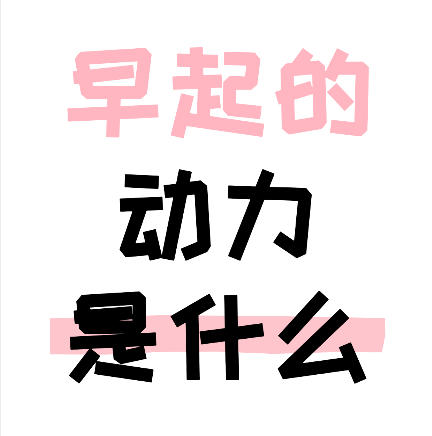
Create large-text covers for Xiaohongshu and Douyin, with support for handwritten fonts, highlighter underline effects, and multi-line text layouts.
Browser execution mode: Your data is processed in your browser and is not uploaded to the server.
Speed and Stability: Processing speed depends on your device and browser. For large batch work, the desktop version may be more stable.
Loading tool, please wait...
If the online tool fails to load or run, try the desktop tool.https://tools.yikeaigc.com/

Tool Usage
Return to old versionEnter text, then click "Generate Batch Covers"
Instructions
Software Instructions
- Select a creation mode: Click the tabs at the top to choose "Single Creation" or "Batch Creation" mode.
- Single Creation: Ideal for finely designing a single cover, with detailed parameters adjustable for each line of text
- Batch Creation: Ideal for quickly generating multiple covers using a unified template style
- Set the canvas size: Enter a custom width and height, or click a preset button to quickly choose common sizes (Xiaohongshu 3:4, Douyin/Kuaishou 9:16, landscape 16:9, square 1:1).
- Set the background:
- Solid color background: Choose a single color as the background; a white background is a classic choice for large-text covers
- Gradient background: Set the start color, end color, and gradient direction
- Image background: Upload an image as the background and choose fill, fit, or stretch mode
- Add text content: Click the "Add Line" button to add text. Each line can be set independently:
- Text content, font size, color, and letter spacing
- Font selection (ZCOOL KuaiLe is recommended), bold, italic
- Highlighter stroke effect (color, opacity, height)
- Text outline and shadow effects
- Adjust global settings: Use the sliders to adjust line spacing and the overall vertical position. The preview area on the right displays the effect in real time.
- Use quick examples: Click the "Example 1/2/3" buttons to load preset styles and quickly understand the design style of large-text covers.
- Export the image: Choose the export format (PNG/JPEG/WebP) and quality, then click "Download Cover Image" to save it.
- Batch creation: In batch mode, enter one cover content per line, use "|" to separate different lines of text, choose a style template, then click Generate. You can download them as a ZIP package.
FAQ
Related Tools
Batch Image Compression (Reduce Storage Space) Tool
Compress by quality or target size (KB, MB), supports bat...
Online Gradient Background Generator
Preview CSS gradient effects in real time, supporting lin...
Photo Border Watermark Generator
Add borders and custom text watermarks to photos online, ...
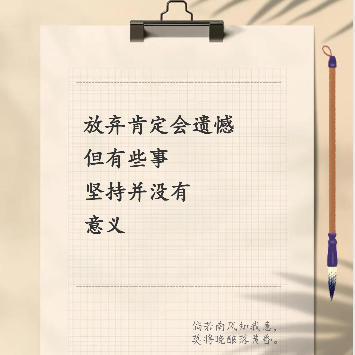
Xiaohongshu Paperclip Copywriting-Style Cover Maker
Artistic vintage sticky note-style cover, with a beige ba...
Batch Lossless Image Compression Tool
Batch reduce the file size of images in formats such as J...
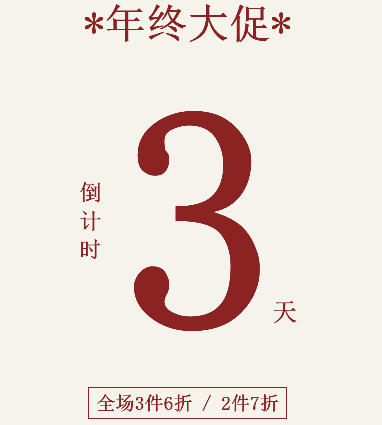
Xiaohongshu Countdown Sale Cover Maker
Generate countdown promotional posters with one click. Su...