



Xiaohongshu Bilingual Sticky Note Style Cover Maker
Chinese-English bilingual comparison note-style cover, grid texture background, supports text highlighting and emoji decorations
Browser execution mode: Your data is processed in your browser and is not uploaded to the server.
Speed and Stability: Processing speed depends on your device and browser. For large batch work, the desktop version may be more stable.
Loading tool, please wait...
If the online tool fails to load or run, try the desktop tool.https://tools.yikeaigc.com/
Tool Usage
Return to old versionEnter content, then click "Generate batch covers"
Instructions
Software Usage Instructions
- Select a creation mode: Click the tabs at the top to choose "Single Creation" or "Batch Creation" mode.
- Set the canvas size:
- Manually enter the width and height
- Or click a preset button to quickly choose: Douyin 9:16, Xiaohongshu 3:4, Square, Xiaohongshu 4:5
- Configure the background style:
- Default style: Light yellow grid texture background; you can adjust the background color, grid color, grid size, and thickness
- Solid color background: Choose any color as a solid background
- Custom image: Upload an image as the background, automatically stretched to the canvas size
- Edit English content: Enter English text and set the font size, color, and line height. Multi-line input is supported.
- Add Chinese content: Click the "Add Chinese Line" button to add Chinese text lines. Each line can have its own font size, color, bold setting, and optional yellow highlight background effect.
- Select fonts: You can choose preset fonts separately for English and Chinese, or upload custom TTF/OTF/WOFF font files.
- Adjust layout: Use sliders to adjust parameters such as left margin, top margin, spacing between English and Chinese, and spacing between Chinese lines.
- Add emoji decoration: Select an emoji, set its size and position (behind the text or in the four corners), and fine-tune the horizontal and vertical offsets.
- Preview and download: Preview the result in real time on the right. When satisfied, choose the export format and quality, then click "Download Cover Image" to save it.
- Batch creation: In batch mode, enter multiple lines of content in the required format, choose a style template, and click "Generate Batch Covers". When complete, click "Download All (ZIP)" to download them as a package.
FAQ
Related Tools

Image Resolution Adjustment and Compression Tool
Batch modify image resolution and compress image size, su...


Wave Gradient Background Generator
Generate multi-layer wave gradient backgrounds online, wi...
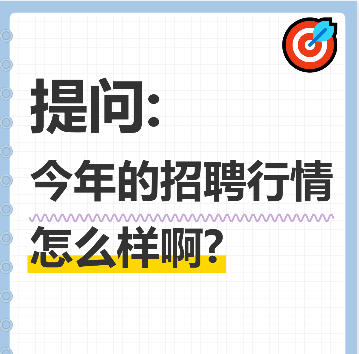
Xiaohongshu Notebook-Style Cover Maker
Notebook Q&A-style cover, with customizable elements ...
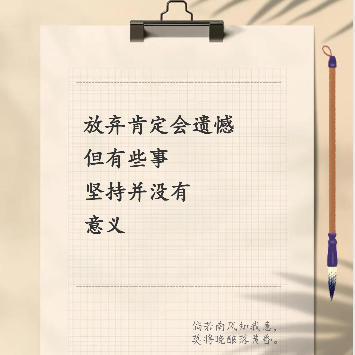
Xiaohongshu Paperclip Copywriting-Style Cover Maker
Artistic vintage sticky note-style cover, with a beige ba...



Image Deduplication Tool (Detection Bypass)
Batch image deduplication tool that makes it easy to pass...