Xiaohongshu Viral Video Cover Maker
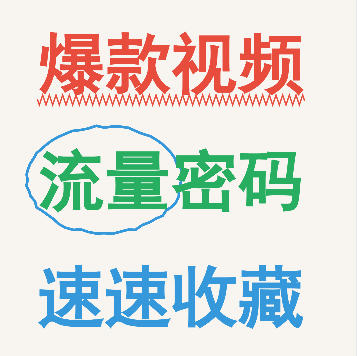
Handwritten doodle-style cover generator with support for colorful text, circle decorations, and wavy line effects. Create eye-catching covers in one click.
Browser execution mode: Your data is processed in your browser and is not uploaded to the server.
Speed and Stability: Processing speed depends on your device and browser. For large batch work, the desktop version may be more stable.
Loading tool, please wait...
If the online tool fails to load or run, try the desktop tool.https://tools.yikeaigc.com/

Tool Usage
Return to old versionEnter text, then click "Generate Batch Covers"
Instructions
Software Usage Instructions
- Select a creation mode: Click the tabs at the top to choose "Single Creation" or "Batch Creation" mode. Single mode is suitable for detailed adjustments, while batch mode is suitable for quickly generating multiple covers.
- Set the canvas size:
- Manually enter width and height values
- Or click a preset button to quickly choose: Douyin 9:16, Xiaohongshu 3:4, Square
- Configure the top title bar:
- Check "Show Top Title Bar" to enable this feature
- Customize the title text, background color, text color, and height
- Set the background:
- Default style: Use an off-white background that matches the handwritten notes style
- Solid color: Customize any background color
- Custom image: Upload an image as the background, automatically stretched to fit the canvas
- Edit text content:
- Click the "Add Row" button to add a new text row
- Each row can have its text content, font size, color, and bold style set separately
- Click the trash can icon to delete unwanted rows
- Select a font:
- Built-in fonts include ZCOOL Happy Font (handwritten style), SimHei, KaiTi, FangSong, and more
- Supports uploading custom font files (.ttf/.otf/.woff formats)
- Add decorative elements:
- Circle decoration: Choose a single circle, double circle, or spiral circle style, then set the color, applied row, and number of characters to enclose
- Wavy line decoration: Choose underline, double wave, or zigzag styles, then set the color and applied row
- Adjust the layout: Use sliders to adjust the left margin, top margin, and line spacing, with real-time preview.
- Use quick examples: Click the "Viral Video", "Practical Tips", or "Study Notes" buttons to load preset templates.
- Download the cover:
- Single mode: Select the export format (PNG/JPEG/WebP) and quality, then click "Download Cover Image"
- Batch mode: Enter text content (one cover per line, use | to separate text rows), click "Generate Batch Covers", then click "Download All (ZIP)"
FAQ
Related Tools
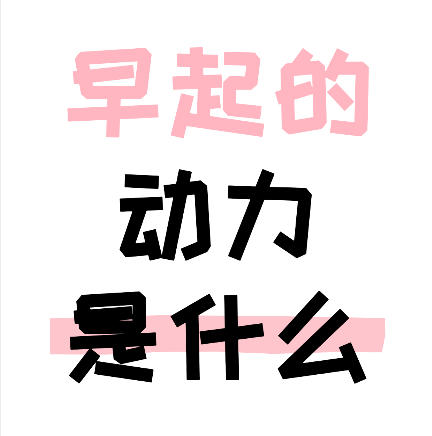
Xiaohongshu Large-Text Cover Maker
Create large-text covers for Xiaohongshu and Douyin, with...
Image Rotation Angle Fine-Tuning Tool
Precisely adjust image rotation angles, supports 0.1-degr...
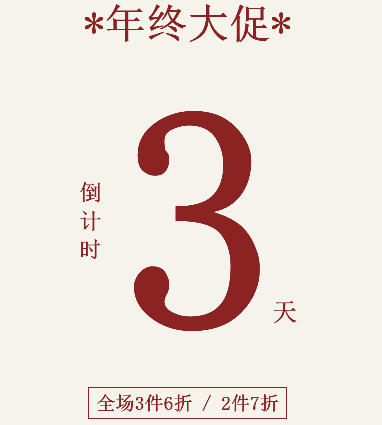
Xiaohongshu Countdown Sale Cover Maker
Generate countdown promotional posters with one click. Su...
Xiaohongshu Hey Conversational Cover Maker
Hey conversational question cover, with black text on a w...
Batch Image Text Watermark Tool
Easily add custom text watermarks to multiple images, wit...