Text to ICO Icon Generator
Convert text into ICO icon files, with support for custom colors, sizes, layout, and rounded corners, plus real-time preview.
Browser execution mode: Your data is processed in your browser and is not uploaded to the server.
Speed and Stability: Processing speed depends on your device and browser. For large batch work, the desktop version may be more stable.
Loading tool, please wait...
If the online tool fails to load or run, try the desktop tool.https://tools.yikeaigc.com/
Tool Usage
Return to old versionEnter text and adjust the style before generating the ICO. Preview first to ensure it stays clear at small sizes.
1Enter icon text
2Sample presets
3Current preview
1Colors & background
2Typography
3Graphic Details
4Live preview
1Select ICO sizes
2File naming and packaging
3Generation options
1Generate & Download
2Result preview
Instructions
Software Usage Instructions
- Enter text content: Fill in the text to generate icons on the “Enter Text” page. Each line will generate one ICO icon, suitable for batch creating brand abbreviations, single Chinese characters, section abbreviations, or project placeholder icons.
- Load sample data: Click “Load Sample Data” to quickly view the effect, or use example options such as brand abbreviations, Chinese icons, and batch icons.
- Set icon style: Go to the “Style Settings” page to adjust text color, background color, background mode, accent color, font, font weight, layout direction, font size, letter spacing, padding, rounded corners, shadow, and stroke.
- Select output size: Go to the “Output Settings” page and select sizes such as 16x16, 24x24, 32x32, 48x48, 64x64, 128x128, and 256x256, or use presets such as “Website favicon” and “App icon.”
- Configure file rules: Set the file name prefix, ZIP file name, naming method, whether to include PNG previews, whether to generate multi-size ICO files, and whether to additionally generate separate size files.
- Generate and download: Go to the “Generate Download” page and click “Generate ICO Icon.” After generation, you can download the first ICO separately, or download a ZIP archive containing all results.
FAQ
Related Tools
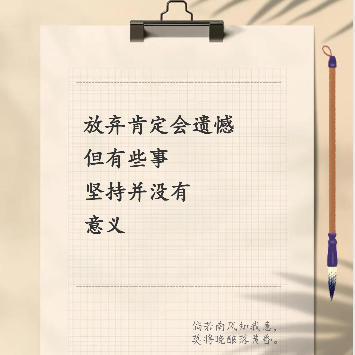
Xiaohongshu Paperclip Copywriting-Style Cover Maker
Artistic vintage sticky note-style cover, with a beige ba...
Batch Image Orientation Correction Tool
Batch recognize and correct image orientation, automatica...
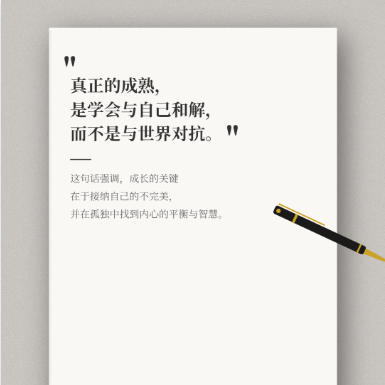
Xiaohongshu Book Quote Style Cover Maker
Book and notebook quote cover, with a gray textured backg...
Batch ID Front and Back Merge Tool
Intelligently pairs the front and back of IDs by file nam...
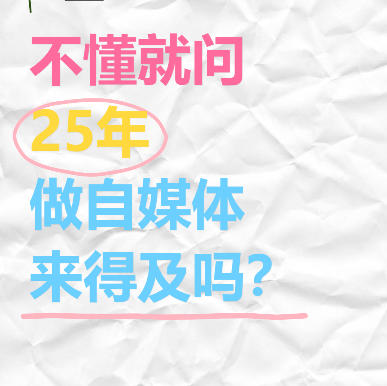
Xiaohongshu “Ask If You Don’t Know” Style Cover Maker
Wrinkled paper background with colorful handwritten text,...