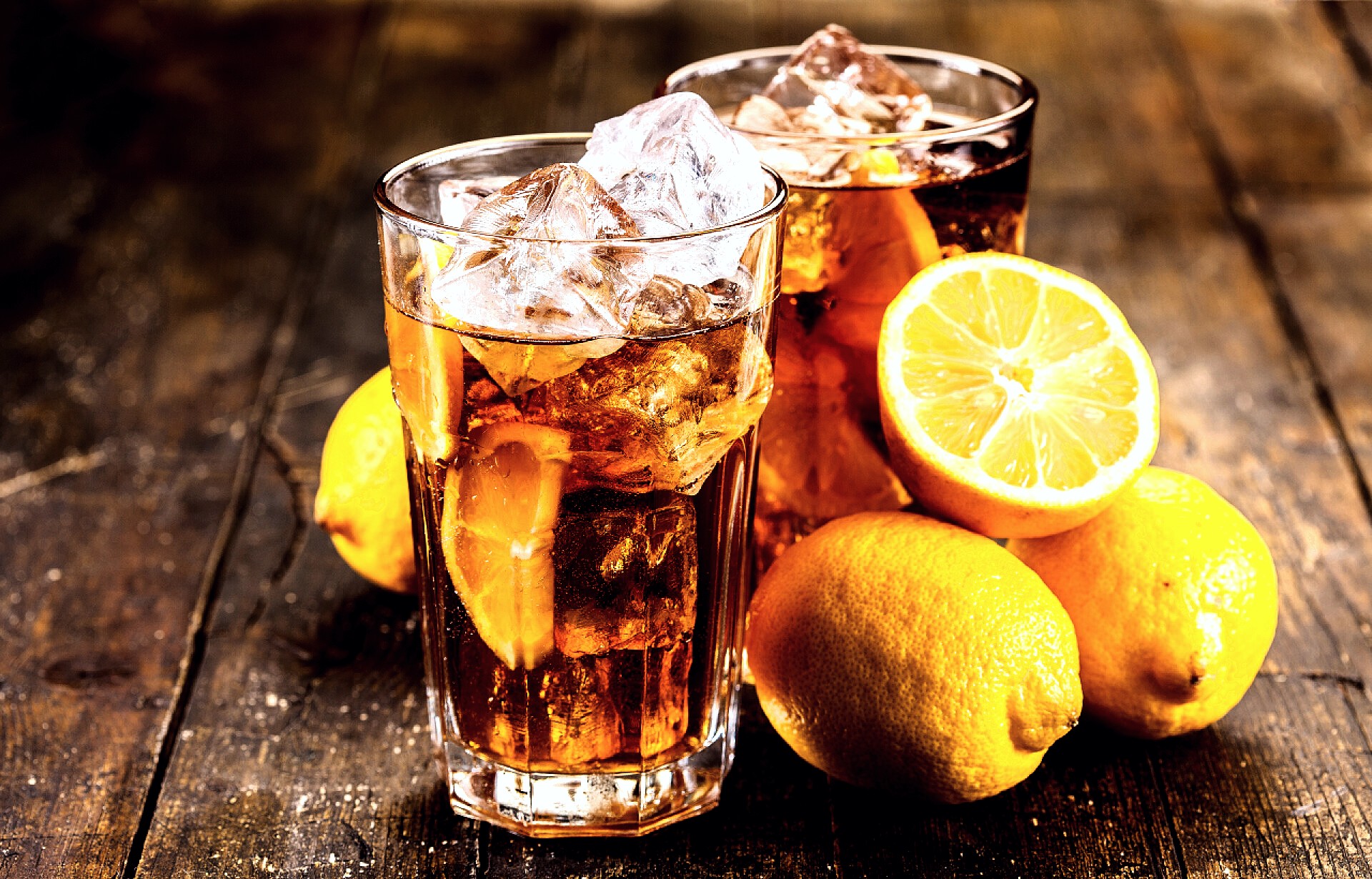
Item Image Texture Enhancement Tool
Professional product image texture enhancement tool that improves the visual texture and quality of images with one click
Browser execution mode: Your data is processed in your browser and is not uploaded to the server.
Speed and Stability: Processing speed depends on your device and browser. For large batch work, the desktop version may be more stable.
Loading tool, please wait...
If the online tool fails to load or run, try the desktop tool.https://tools.yikeaigc.com/
Tool Usage
Return to old versionUpload Image
Select one or more images. Choose images first, then set parameters.
Set Texture
Choose a preset first, then fine-tune settings for your image. Saved settings apply automatically next time.
Process & download
Confirm settings before processing. Multiple images will all be processed and compressed into a ZIP download.
Result Preview
Instructions
Software Usage Instructions
- Upload images: Click the upload area to select images, or drag images into the tool. Single and multiple images are supported. When selecting in bulk, the interface displays the first 20 files, while the remaining files will still be processed.
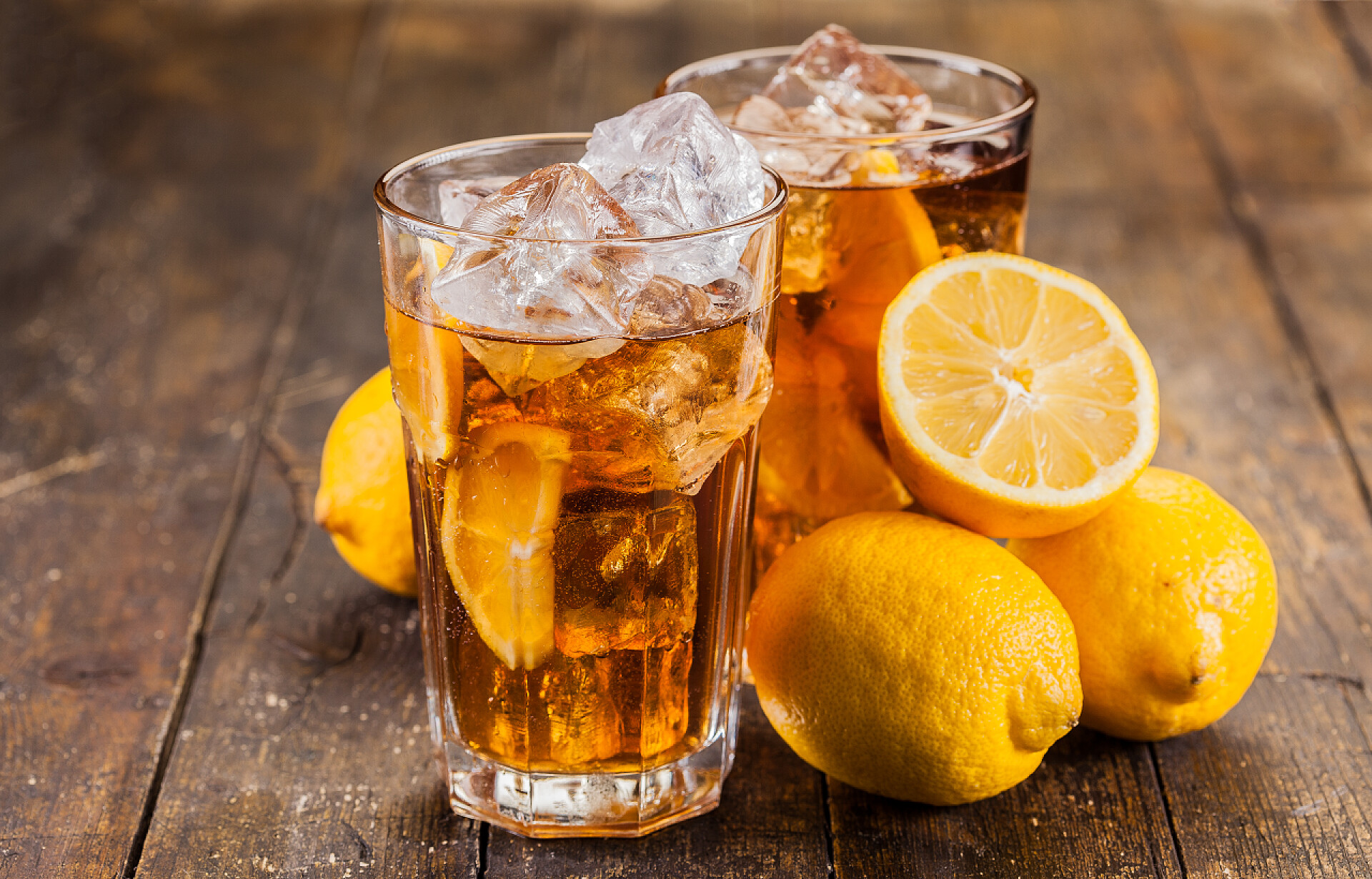
- Select a texture preset: You can use presets such as Product Clear, Metallic Texture, Glass & Ceramic, Wood Grain & Leather, and Soft Natural, suitable for texture enhancement for different item images.
- Adjust processing parameters: Adjust light, contrast, highlights, shadows, black point, vibrance, saturation, color temperature, clarity, sharpening, edge darkening, and detail grain according to the image.
- Set output options: Choose the output format, output quality, and long-edge size. For transparent images, you can check white background fill to make it easier to generate JPG or WebP images.
- Save settings: Click the “Save Settings” button to keep the current parameters for later processing of similar images.
- Start processing: After entering the “Process & Download” step, click “Start Processing”. A single processed image can be downloaded directly, while multiple processed images can be downloaded as a ZIP archive.
- Review results: After processing is complete, you can preview some results. Batch processing will keep the original file names, and if duplicate names occur, a number will be added after the file name to distinguish them.
FAQ
Related Tools
PNG Compression Optimization Tool
Batch compress PNG images online, supporting color reduct...
Xiaohongshu Sticky Note Style Cover Maker
Sticky note–style cover with a kraft paper background and...
Xiaohongshu Notebook-Style Cover Maker
Notebook Q&A-style cover, with customizable elements ...